
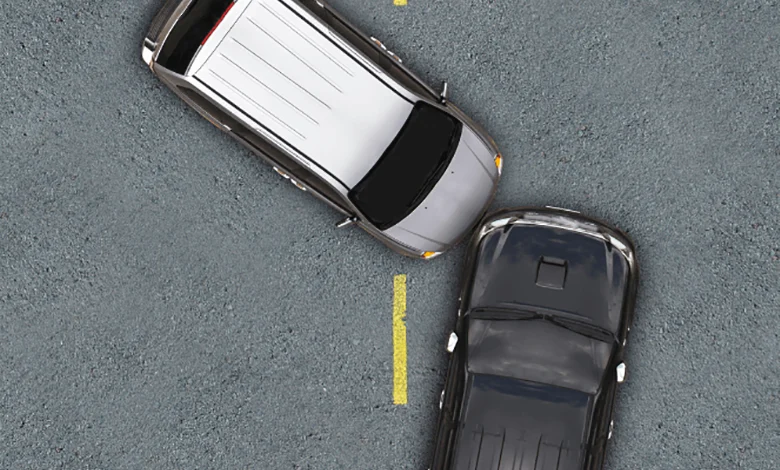
2 Ways to Check Car Accident History in the UAE
گویا دبی 1 دقیقه مطالعه 1624 بازدید
How to check the accident history of a vehicle in Dubai?
Buying a used car requires thorough research and background checks to ensure the safety and reliability of the vehicle. One of the important aspects of purchasing a car is checking its accident history. This information can affect the car's value and is of great importance.
To check the accident history, you need the chassis number or Vehicle Identification Number (VIN). This unique 17-digit code reveals information such as the car manufacturer, engine details, and its accident history.
Where to find the vehicle's chassis number?
- Vehicle ownership card (ملکیه)
- Car dashboard (driver's side)
- Next to the car door
How to check the vehicle's accident history?
1. Ministry of Interior (MOI)
To check the accident history, visit the UAE Ministry of Interior website and enter the chassis number. After confirming the security code, the accident report, location, date, time, and accident report number will be displayed.
portal.moi.gov.ae/eservices/PublicServices/AccidentsInquiry.aspx?Culture=en
2. Emirates Vehicle Gateway (EVG)
On the official EVG website, go to the "Traffic Accidents Management" section, enter the chassis number, and click Search. You can then view accident reports and their details.
Key Tips for Buying a Used Car in the UAE
Before purchasing a vehicle, ensure there are no outstanding fines. Also, make sure to obtain a comprehensive vehicle inspection report and its accident history. If the car was purchased through a bank loan, a No Objection Certificate (NOC) from the bank is required for the transfer of ownership.
With these tips, you can ensure a safe purchase of a used car in Dubai and avoid future problems.